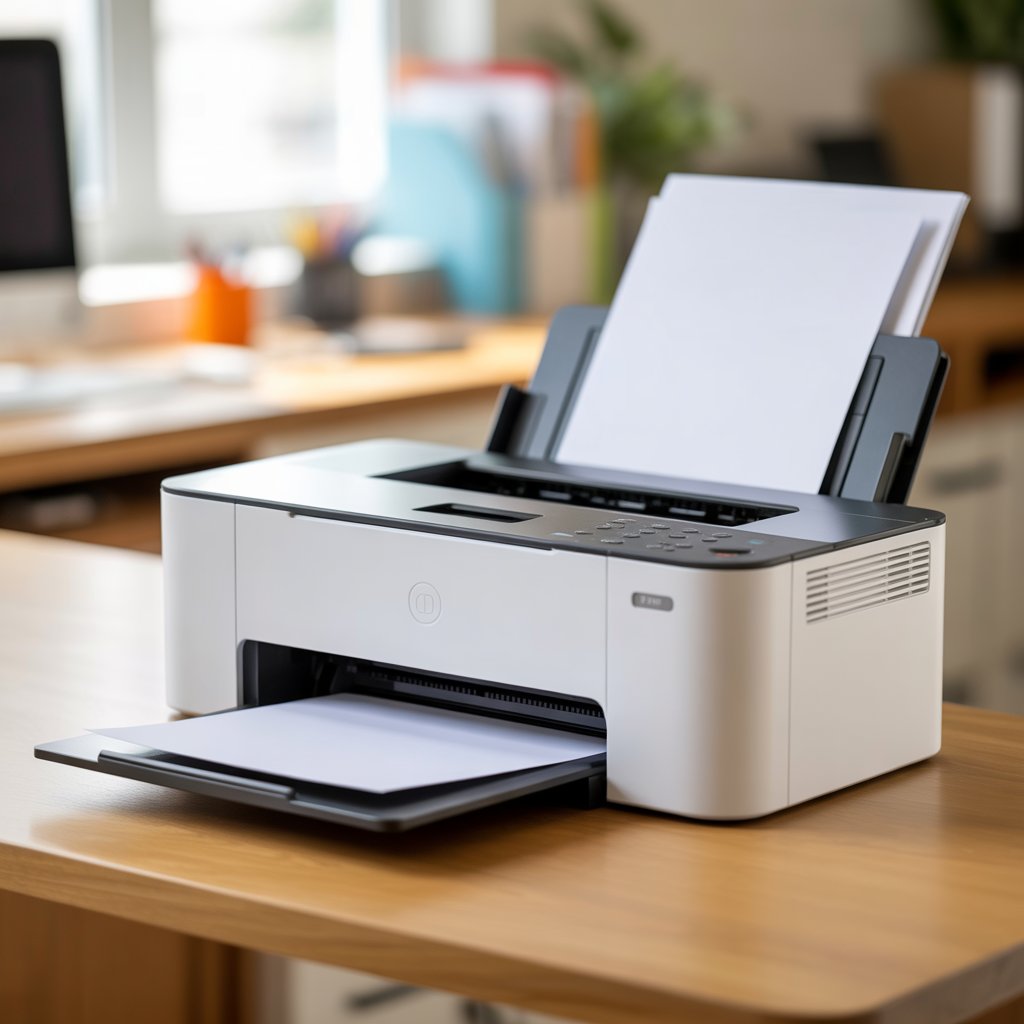
What Is a Printer? Meaning, Types, Functions & Uses Explained
A printer is one of the most essential output devices in today’s digital world. It transforms a soft copy stored on a computer or mobile device into a tangible, printed document or image. Whether you’re preparing office reports, school projects, invoices, or photographs, printers make digital data visible, shareable, and permanent.
If you’re planning to buy or compare models, check the latest printers in Pakistan at Mega.pk — offering genuine brand warranties and nationwide delivery.
Definition – What Exactly Is a Printer?
A printer is a computer output device that converts text and graphics from a computer screen into hard-copy form, usually on paper. It is classified as an output peripheral because it receives processed data from the computer and delivers a physical result.
For example, when you click Print on a Word document, your computer sends coded data through a printer driver. The printer interprets this information and reproduces the content on paper using ink, toner, or heat.
How Does a Printer Work?
While printers differ by technology, their basic process is similar:
- Data transfer: The device sends formatted data to the printer via USB, Wi-Fi, or Bluetooth.
- Rasterization: The printer driver converts characters and images into dots that the print engine can interpret.
- Printing mechanism: Depending on the type, the printer ejects ink, fuses toner, or applies heat to paper.
- Output: Paper passes through rollers and emerges with the printed image.
Printers are broadly classified into impact and non-impact types.
Main Types of Printers Explained
Impact Printers
Impact printers create images by physically striking an inked ribbon against paper, similar to a typewriter.
Common types include:
- Dot Matrix Printer: Uses pins and an ink ribbon. Durable and ideal for invoices or carbon copies.
- Line Printer: Prints entire lines at once, mainly used in banking and billing systems.
- Daisy Wheel Printer: Produces letter-quality text but is slow and largely obsolete today.
Non-Impact Printers
These printers form images without mechanical contact with the paper. They are quieter, faster, and produce higher-quality output.
| Printer Type | Technology | Print Quality | Common Use |
| Inkjet Printer | Sprays liquid ink through microscopic nozzles | High | Home, Photo Printing |
| Laser Printer | Uses a laser beam and toner on a drum unit | Very High | Office, Business |
| Thermal Printer | Applies heat to special coated paper | Medium | POS, Labels |
| 3D Printer | Builds physical objects layer by layer using filament or resin | Physical 3D Objects | Prototyping, Manufacturing |
Other modern categories include All-in-One Printers (print, scan, copy), Portable Printers, and Photo Printers designed for instant printing.
Main Components of a Printer
Understanding key components helps maintain performance and resolve issues effectively:
- Print Head or Laser Assembly: Deposits ink or toner on paper.
- Ink or Toner Cartridge: Holds liquid ink or powdered toner used for printing.
- Drum Unit: Transfers toner to paper in laser printers.
- Fuser Unit: Heats and presses toner onto paper permanently.
- Paper Tray and Feed Rollers: Hold and move sheets through the printing path.
- Control Board or Motherboard: Processes print commands and manages internal operations.
Functions and Uses of a Printer
Printers serve multiple purposes across homes, offices, and industries:
Office and Business Use
They are essential for generating reports, contracts, invoices, marketing materials, and presentations.
Home and Education Use
Students and teachers rely on printers for assignments, worksheets, and creative projects.
Retail and Industrial Use
Thermal and barcode printers are used for receipts, product labels, and packaging.
Innovation and 3D Manufacturing
3D printers are transforming industries by producing prototypes, medical models, and custom parts directly from digital files.
Advantages of Printers
- Instant access to physical copies of documents and images
- Professional-quality output for business or academic use
- Cost-effective for large-scale documentation
- Flexibility to print anytime without external service dependency
- Wide range of models to fit every budget and purpose
Disadvantages of Printers
- Continuous expense of ink, toner, and paper
- Maintenance issues such as paper jams or clogged nozzles
- Bulkier models occupy desk space
- Environmental concerns due to paper waste
Evolution of Printers – From Impact to Intelligent
- 1950s–1970s: The impact printer era, dominated by dot matrix and line printers.
- 1980s–1990s: Inkjet and laser technologies revolutionized quality and speed.
- 2000s: All-in-one and color printers became common for home users.
- 2010s–2020s: Wireless and cloud printing made remote access easy.
- Today: 3D and eco-friendly printers focus on efficiency and sustainability.
Modern Printers and Smart Connectivity
Contemporary printers include advanced digital features such as:
- Wireless printing via Wi-Fi or Bluetooth
- Cloud-based solutions like Google Cloud Print and Apple AirPrint
- Mobile-friendly printing from smartphones and tablets
- Energy-saving and eco modes that reduce ink and power consumption
These innovations make printing faster, smarter, and more environmentally responsible.
Frequently Asked Questions
Q1. What is the main function of a printer?
A printer converts digital data into a physical output, producing text or images on paper.
Q2. How many types of printers are there?
Generally, printers are divided into two main categories — impact and non-impact — with around seven major types under them, including inkjet, laser, thermal, and 3D printers.
Q3. What is meant by impact and non-impact printer?
Impact printers use mechanical contact to transfer ink to paper, while non-impact printers use ink, toner, or heat without physical contact.
Q4. Which printer is best for home use in Pakistan?
Inkjet printers are usually ideal for home and educational purposes due to their affordability and ability to print high-quality color images.
Q5. What is the purpose of a 3D printer?
A 3D printer creates three-dimensional objects layer by layer from digital designs, commonly used in prototyping, education, and medical industries.
Conclusion
Printers continue to play a vital role in bridging the gap between the digital and physical worlds. From simple text documents to high-resolution graphics and 3D objects, their applications keep expanding with technology.
Explore a wide range of printers in Pakistan with official brand warranties, fast delivery, and competitive prices at Mega.pk — your trusted source for genuine electronic products.