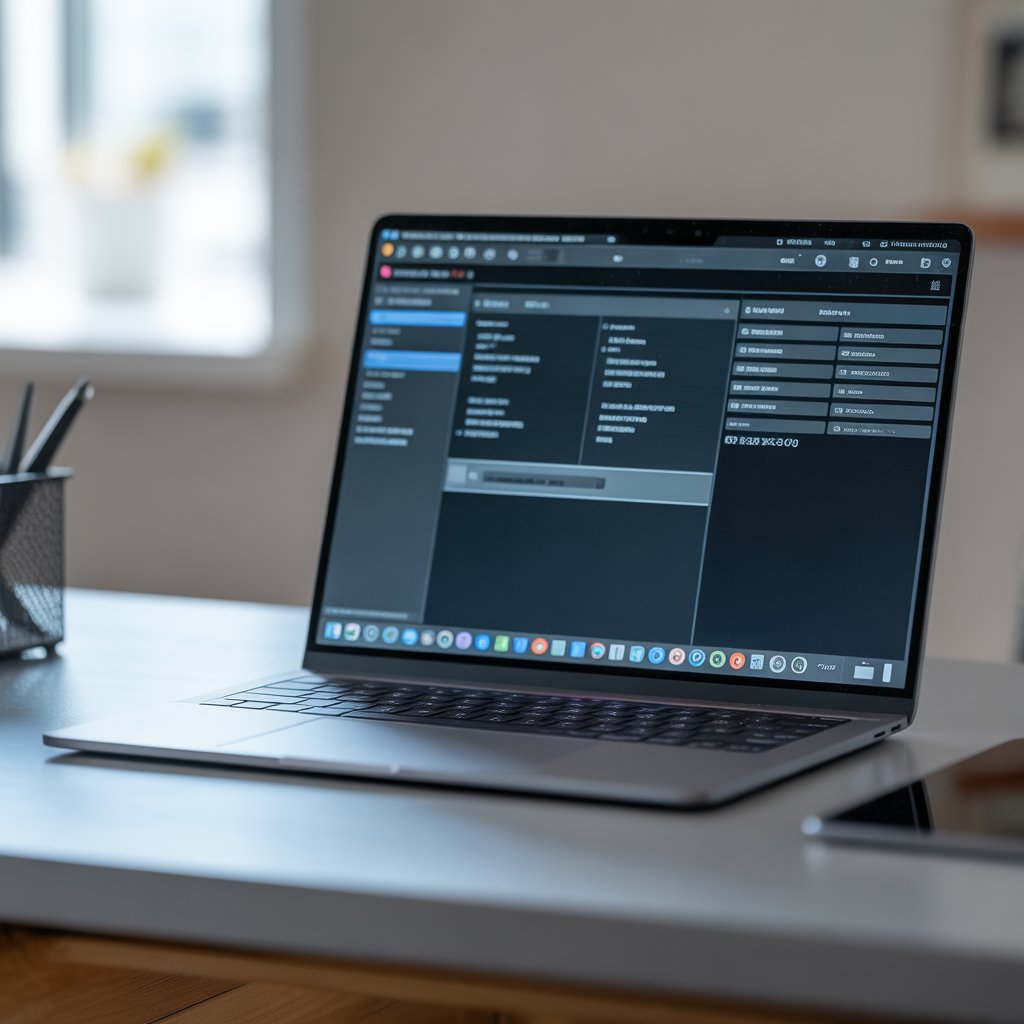
How to Check Laptop Serial Number
You can check a laptop serial number through system settings, the laptop body, or official purchase records. Every laptop has a unique serial number. It identifies that single device and nothing else. People use it for warranty checks, repairs, resale, and ownership verification. Buyers in Pakistan often check the serial number before buying a used laptop. It is also useful for sellers when they make deals. If you know where to find it, you’ll save time and avoid confusion later.
Where the Serial Number Appears on the Laptop Body
The serial number is printed right on the laptop itself by the manufacturer. There is a sticker on the bottom panel of most laptops. Some place it near the hinge or side frame. On older devices, the text may fade due to heat and cleaning. This method works even if the laptop does not turn on. Buyers often check the information during shop visits. It helps during quick inspections. Physical labels still matter in resale markets.
Finding the Serial Number Inside Windows
Windows shows the laptop serial number through built-in system information. The system pulls this number from the motherboard. It stays the same even after reinstalling Windows. People rely on this method when stickers look damaged or removed. It works on most Windows laptops sold locally. Repair shops often request this number. It helps during warranty and support calls.
Viewing the Serial Number Through BIOS
The BIOS screen displays the serial number before Windows loads. You can open BIOS during startup by pressing the required key. The serial number appears under system details. This method helps when Windows does not boot. Technicians use this screen often during diagnostics. It confirms laptop identity at the hardware level. It also works on freshly formatted systems.
How to Find the Serial Number on Mac Laptops
Mac laptops display the serial number inside system settings. The system shows it clearly under device information. Apple also prints the same number on the laptop body. Matching both confirms authenticity. Buyers check this information before resale or repair. It helps confirm the laptop matches official records. No extra tools are needed.
Serial Number Printed on Packaging
Laptop boxes and invoices usually list the serial number. The number on the box should match the laptop itself. Mismatches raise concern during resale. Many buyers keep invoices for warranty claims. Shops often request invoice details. This method works best for new laptops. Keeping records avoids future issues.
Why Matching the Serial Number Matters
Matching serial numbers confirms the laptop’s authenticity. Mismatches often indicate replaced parts or previous repairs. Warranty centres may reject claims in these cases. Buyers use this check to avoid fraud. Shops also verify serial numbers during trade-ins. This step protects your money. It also protects resale value.
How Serial Numbers Help With Warranty and Repairs
Service centres use serial numbers to verify warranty status. The number reveals model details and service history. Warranty approval depends on it. Repairs usually start with serial verification. Missing numbers delay service. Support teams ask for it early. Keeping it accessible speeds up the process.
Checking Serial Numbers Before Buying a Used Laptop
Used laptop buyers should always verify the serial number. Many used laptops lack original boxes. Stickers may look altered. System-level numbers reveal accurate details. Buyers use this technique to avoid refurbished units sold as new. This step prevents regret later. It helps buyers feel confident before payment.
Serial Number and Laptop Registration
Manufacturers link serial numbers to product registration. Registration helps maintain service records. Some brands restrict support for unregistered devices. Serial numbers help track ownership. This information matters during resale. It also helps during loss reports. Registration keeps records clear.
Common Problems When Finding Serial Numbers
Serial numbers sometimes look missing or unclear. Heat and cleaning fade stickers. BIOS access may be locked. Fresh Windows installations hide system info occasionally. These issues frustrate buyers and sellers. Knowing multiple methods helps. One method usually works.
Serial Number vs Model Number Explained Simply
Serial numbers identify one laptop, while model numbers describe a series. People often confuse the two. Warranty checks require the serial number. Model numbers alone do not work. Repairs also rely on serial identification. Knowing the difference avoids mistakes. It saves time during support requests.
Serial Numbers When Buying Laptops Online
Online buyers use serial numbers to confirm product details. Listings sometimes show incorrect specifications. Serial numbers reveal the exact configuration. Buyers verify details before final payment. Such information matters in Pakistan’s resale market. It avoids receiving altered hardware. Transparency builds trust.
What to Do After Verifying the Serial Number
After verification, people usually decide their next step. Some move forward with a purchase. Others confirm warranty coverage. Some contact sellers for clarification. Taking time helps avoid rushed decisions. Verification builds confidence. It reduces risk.
Buying and Verifying Laptops Through Mega.pk
Many buyers prefer platforms that clearly display laptop specifications and product details. Mega.pk displays laptop details that make model comparison easier. Serial number verification still matters after delivery. Buyers should match the serial number shown in system settings with the number on the device. This simple step helps avoid mix-ups and supports smoother returns or warranty discussions.
Where can I find the serial number on a laptop?
You can find it on the bottom sticker, inside system settings, or in BIOS. Each method shows the same number. If one fails, another usually works. This flexibility helps during inspections.
Can two laptops have the same serial number?
No, each laptop has a unique serial number.
Duplicate numbers signal a problem.
Buyers should avoid such devices.
It often indicates tampering.
Is the serial number required for warranty claims?
Yes, service centers require it for verification. Warranty approval depends on it.
Missing numbers delay service. Keeping it accessible will help.
Can I check the serial number without turning on the laptop?
Yes, the bottom sticker or box usually shows it. BIOS also works if the system powers on. This helps during shop visits. It saves time.
What should I do if the serial number looks altered?
Avoid buying the laptop immediately. Ask the seller for clarification. Altered numbers often indicate risk. Verification protects your money.