What Is a Laser Printer? Meaning, Working, Types, and Uses Explained
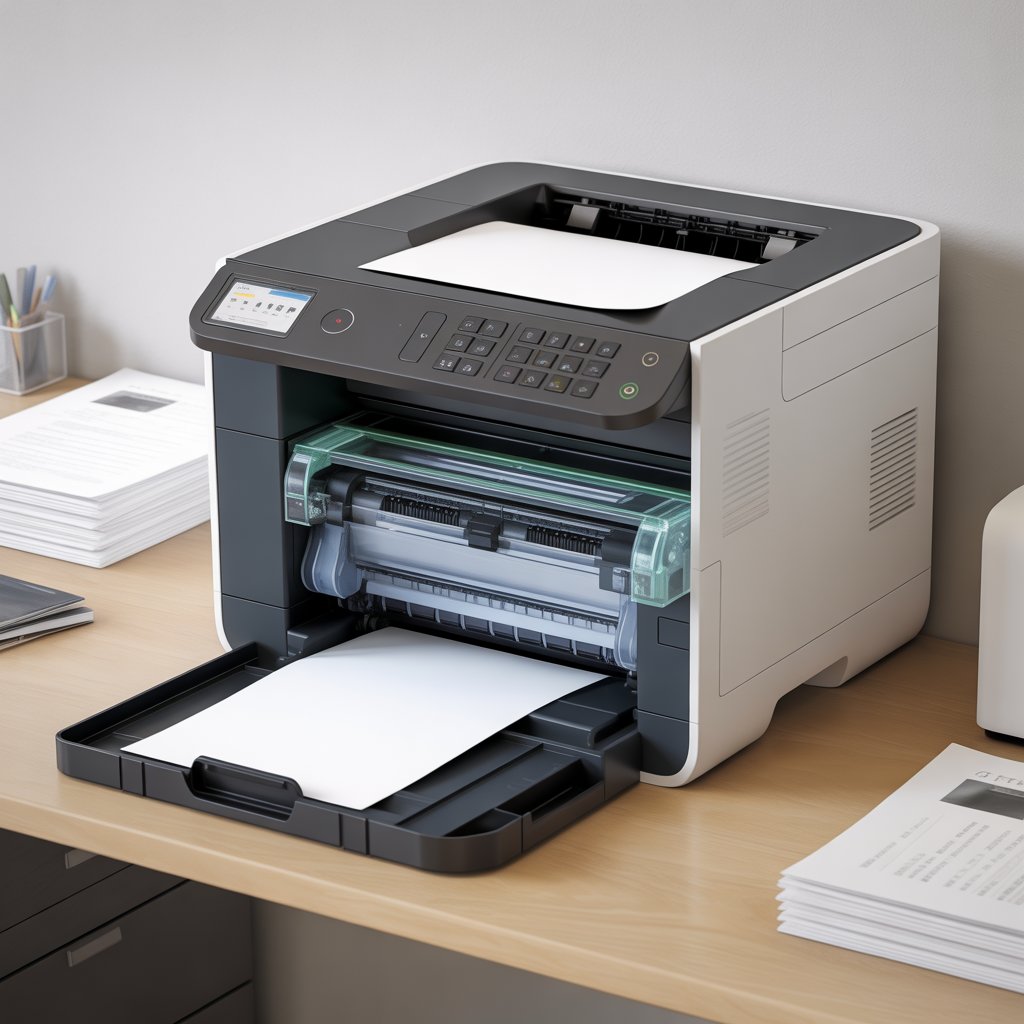
A laser printer is a high-speed, precision printing device that produces sharp and professional-quality text and graphics using a laser beam and powdered toner. Known for their speed, reliability, and low cost per page, laser printers have become a staple in offices, schools, and even homes where bulk printing is common.
This article explains everything about laser printers — from their working principle and components to advantages, disadvantages, and key differences from inkjet printers. It’s part of our comprehensive printer education series; you can also read our detailed guide on what is a printer to understand the basics before diving into this advanced technology.
Definition – What Exactly Is a Laser Printer?
A laser printer is a non-impact output device that uses laser technology to transfer text and images onto paper. Instead of spraying ink like an inkjet printer, it uses a laser beam to create an electrostatic image on a drum unit, which attracts powdered toner and transfers it onto paper. The toner is then fused using heat and pressure, producing a clean, permanent print.
In simple terms, a laser printer works with light, static electricity, and heat — resulting in fast, precise, and smudge-free printing.
How Does a Laser Printer Work?
A laser printer’s process is both scientific and mechanical, involving multiple coordinated steps. Here’s how it works from start to finish:
- Data Transfer: The computer sends digital data to the printer’s memory.
- Charging: The corona wire or primary charge roller charges the photoreceptor drum with static electricity.
- Exposing: A laser beam projects the image or text pattern onto the drum, neutralizing selected areas.
- Developing: Toner particles from the cartridge stick to the laser-drawn image on the drum.
- Transferring: The toner image is rolled onto the paper as it passes beneath the drum.
- Fusing: Heated rollers in the fuser assembly melt and press toner onto the paper permanently.
- Cleaning: Any residual toner is removed, and the drum resets for the next print job.
This process happens in seconds, allowing most laser printers to print 20 to 50 pages per minute (PPM) with exceptional clarity.
Main Components of a Laser Printer
Laser printers are precise machines built with several essential components that work together:
- Laser Scanning Unit: Directs the laser beam onto the drum to form the image.
- Photoreceptor Drum: Holds the electrostatic image temporarily before transferring it to paper.
- Toner Cartridge: Contains fine powdered toner (ink substitute) that forms the print image.
- Corona Wire / Charge Roller: Applies and maintains the electric charge on the drum.
- Fuser Assembly: Uses heat and pressure to permanently fuse toner onto the paper.
- Transfer Belt or Roller: Moves the toner image from the drum to the paper.
- Paper Feed Assembly: Guides the paper through the printer’s path.
- Controller Board / Memory: Manages all operations and communication between the computer and printer.
Types of Laser Printers
There are several kinds of laser printers, each serving different printing needs:
1. Monochrome Laser Printers
These print only in black and white and are ideal for offices, schools, and government organizations that require text-heavy documents. They are faster and more economical than color models.
2. Color Laser Printers
These use four toners — cyan, magenta, yellow, and black (CMYK) — to produce colored prints suitable for presentations, reports, and brochures.
3. Multifunction Laser Printers (MFPs)
Also known as All-in-One Printers, these devices can print, scan, copy, and fax, making them perfect for businesses looking for multi-utility office machines.
4. Enterprise / Network Laser Printers
Designed for high-volume environments such as corporations or print service providers. They include large paper trays, high-speed duplex printing, and advanced connectivity options.
Functions and Uses of a Laser Printer
Laser printers are primarily used wherever high-quality, bulk, and fast printing is required:
- Office and Business Printing: For contracts, reports, invoices, and presentations.
- Educational Institutions: Teachers and students use them for notes, assignments, and exam papers.
- Corporate Environments: Where multiple users share a network printer for efficiency.
- Retail and Logistics: For billing, barcode labels, and receipts using specialized models.
Advantages of Laser Printers
Laser printers are favored for their performance and efficiency.
- High Speed: Capable of printing dozens of pages per minute.
- Sharp Print Quality: Produces crisp text and detailed monochrome graphics.
- Durability: Toner cartridges last longer than inkjet ink tanks.
- Low Cost per Page: Economical for heavy daily use.
- Minimal Smudging: Toner-based prints are dry instantly and resistant to smears.
Disadvantages of Laser Printers
Despite their strengths, laser printers also have a few drawbacks:
- Higher Initial Cost: Entry-level models are more expensive than inkjets.
- Toner Replacement Costs: Genuine toner cartridges can be costly.
- Limited Photo Quality: Not ideal for high-end photo printing.
- Size and Weight: Bulky and less portable compared to compact inkjets.
- Energy Use: Fuser heating consumes noticeable power during printing.
Laser Printer vs Inkjet Printer – Key Differences
| Feature | Laser Printer | Inkjet Printer |
| Printing Technology | Toner & Laser Beam | Liquid Ink Droplets |
| Speed | Very Fast | Moderate |
| Print Quality | Sharp Text | Better for Photos |
| Cost per Page | Lower (bulk) | Higher |
| Initial Cost | Higher | Lower |
| Ideal For | Offices, Schools, Corporates | Home, Photo Printing |
In short, laser printers excel at speed and efficiency, while inkjets are better suited for color photos and casual home use.
Popular Laser Printer Brands and Models in Pakistan
Leading brands that manufacture high-quality laser printers include:
- HP (Hewlett-Packard) – Known for reliability and wide model range.
- Canon – Offers both personal and enterprise laser solutions.
- Brother – Popular for small offices and home setups.
- Ricoh, Xerox, and Samsung – Known for heavy-duty and commercial-grade printers.
Each brand offers models tailored to different needs — from small home users to large business departments.
Laser Printer Prices in Pakistan (2025 Overview)
Laser printer prices in Pakistan vary based on printing speed, features, and brand reputation.
- Entry-Level Monochrome Models: Start around PKR 40,000 – 60,000
- Color and Multifunction Models: Range between PKR 85,000 – 180,000
- Enterprise-Grade Printers: Can exceed PKR 200,000+
These prices may change based on promotions and availability.
Frequently Asked Questions
Q1. What is the main function of a laser printer?
A laser printer produces printed documents by using a laser beam and toner powder instead of ink. It’s designed for speed, clarity, and long-term cost efficiency.
Q2. How does a laser printer work step-by-step?
It charges a drum, draws an image with a laser, applies toner, transfers it to paper, and uses heat to fix the toner permanently.
Q3. Is a laser printer better than an inkjet printer?
For text-heavy or high-volume use, yes. Laser printers are faster and cheaper per page, while inkjets are better for color-rich photo printing.
Q4. What are the advantages of using a laser printer?
They are fast, precise, cost-effective for large volumes, and produce smudge-free results.
Q5. Which laser printer is best for office use in Pakistan?
Models from HP and Brother are commonly recommended for offices due to durability, toner yield, and warranty support.
Conclusion
Laser printers represent a perfect balance between efficiency, performance, and durability. From business reports to school assignments, their ability to deliver consistent quality at high speed makes them one of the most valuable office devices today.
And if you’re new to printing technology, don’t miss our in-depth overview on what is a printer to understand the fundamentals before you choose the right model for your needs.